Affiliate disclosure: Recover may earn a commission from qualifying purchases made through the Amazon links in this article, at no extra cost to you.
When a Single Drive Failure Would Ruin Your Week
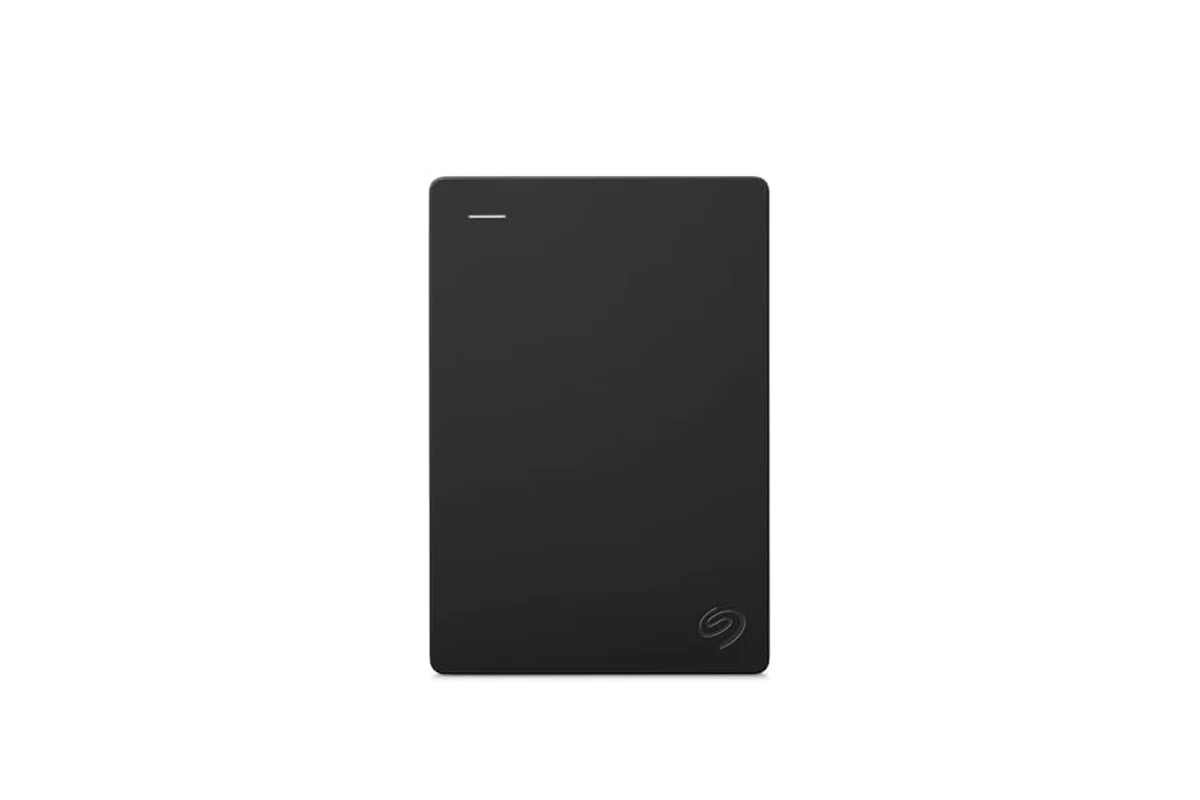
Picture this: your laptop’s SSD dies on a Tuesday morning. You have no recent backup. Every family photo, tax return, and work document from the last three years is gone. That is the scenario this Seagate 2TB Portable Hard Drive is designed to prevent, at least for moderate amounts of data. It is not a RAID array, not a NAS, and not a cloud service. It is a single spinning disk in a plastic enclosure that connects over USB 3.0. For a homeowner or small office with under 2TB of critical files, that simplicity is often exactly what you need. For anyone with more data or stricter recovery requirements, it is a starting point, not a complete solution.
Key specs
- Capacity: 2TB (listed; actual formatted capacity will be lower due to file system overhead)
- Interface: USB 3.0 (backward compatible with USB 2.0, but much slower)
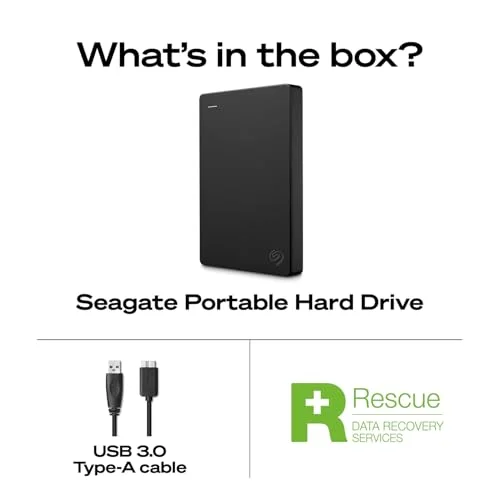
- Included cable: 18-inch USB 3.0 cable
- Compatibility: Windows and Mac out of the box, no software required for basic use
- Setup: Plug and play, automatic recognition
- Form factor: Portable external hard drive, bus-powered (no separate power adapter)
- Warranty: Check the current listing for the manufacturer’s warranty terms
Reliability and real-world performance
Let us be clear about what this drive is: a 2.5-inch mechanical hard drive inside a USB enclosure. That means moving parts. Unlike an SSD, it has spinning platters and a read/write head that parks when idle. It can tolerate being carried in a laptop bag, but it will not survive a drop onto a hard floor while spinning. If you need something that can be tossed around, an external SSD is the better choice, though you will pay more per terabyte.
Performance over USB 3.0 is adequate for backup, not exciting. Sequential transfers of large files, like a folder of videos or a system image, typically run in the 80 to 120 MB/s range on a good USB 3.0 port. That means backing up 500GB of data could take roughly 1.5 to 2 hours. Small files, like thousands of photos or documents, will be slower because the drive has to seek between them. If you are backing up incrementally after the first full backup, subsequent runs are much faster because only changed files are copied.
The drive is bus-powered, so it draws power from the USB port. On most laptops and desktops this is fine. On some older or low-power USB hubs, the drive may not spin up reliably. If you plan to use a hub, make sure it is a powered hub. Also note that the included cable is only 18 inches. That is fine for a laptop, but if your desktop tower is under a desk, you may need a longer USB 3.0 cable. Any standard USB 3.0 Type-A to Micro-B cable will work.
One limitation: this is not a hardware-encrypted drive. If you are backing up sensitive financial or medical records, you should use software encryption like BitLocker on Windows or FileVault on Mac, or a third-party tool like VeraCrypt. The drive itself does not protect data if it is lost or stolen. That is a software problem, not a hardware flaw, but it is worth planning for.
Another consideration: reliability. All mechanical drives eventually fail. The question is not if, but when. This drive is a single point of failure. If it is your only backup, you are one dropped drive or one bad sector away from losing everything. The correct way to use it is as one copy in a backup strategy, not the only copy. The classic rule is three copies of important data, on two different types of media, with one copy offsite. This drive can be the local copy. It should not be the only copy.
Who needs this
This drive makes sense for a household with a single laptop or desktop and a moderate amount of data. Think: a family photo library of 200GB to 500GB, plus documents and maybe some music. It is also a good fit for a student who needs to back up coursework and wants a simple drag-and-drop solution without a monthly subscription. Small offices with one or two computers and no central server can use it as a rotating backup target, though you should have at least two drives and alternate them.
It is also useful as a secondary backup for someone who already uses cloud storage but wants a local copy for faster restores. Restoring 500GB from the cloud can take days on a typical home connection. Restoring from a local USB drive takes hours. That difference matters when you are trying to get back to work.
Who doesn’t
If you have more than 2TB of critical data, this drive is too small. You would need to either buy multiple drives or step up to a larger capacity model. If you need continuous, automatic backup with versioning and offsite replication, a cloud backup service like Backblaze or Carbonite is a better fit. If you need to protect data across multiple computers and want centralized management, a NAS with RAID is more appropriate.
If you are backing up a database or virtual machines that are in use, a simple drag-and-drop copy may not be sufficient. You need software that can take consistent snapshots. This drive does not include backup software. It relies on the operating system’s built-in tools, like Windows File History or macOS Time Machine, or third-party software you provide. That is fine for many people, but it is not a turnkey backup appliance.
Alternatives to consider
Cloud backup is the obvious alternative. For a few dollars a month, you get unlimited or large-capacity offsite storage with versioning. The trade-off is recovery time and ongoing cost. If your internet upload speed is slow, the initial backup can take weeks. And if you stop paying, you lose the service. A local drive has no subscription and fast restores, but no offsite protection.
A second option is a NAS with RAID 1. Two drives mirror each other, so if one fails, the other keeps running. This protects against drive failure but not against fire, theft, or accidental deletion. It also costs more and requires some networking knowledge. For a small office with multiple computers, it can be worth it. For a single homeowner, it is often overkill.
A third option is an external SSD. It is faster, more durable, and silent. But it costs significantly more per terabyte. If you need portability and speed, an SSD is better. If you just need a backup target that sits on a desk, a mechanical drive like this Seagate is more cost-effective.
Capacity planning and what to check before buying
Before you buy any external drive, estimate your data volume. Check the size of your current Documents, Pictures, and Videos folders. Add 20 to 30 percent headroom for future growth. If you are already near 1.5TB, a 2TB drive will fill up faster than you think. Also consider whether you need to back up system files or just personal data. A full system image can be much larger than your personal files.
Check the drive’s warranty and the manufacturer’s reputation for honoring it. Seagate has a mixed record over the years, but so do all major drive makers. The important thing is to have a backup of your backup. If this drive fails, you should be able to restore from another source, whether that is a second drive or the cloud.
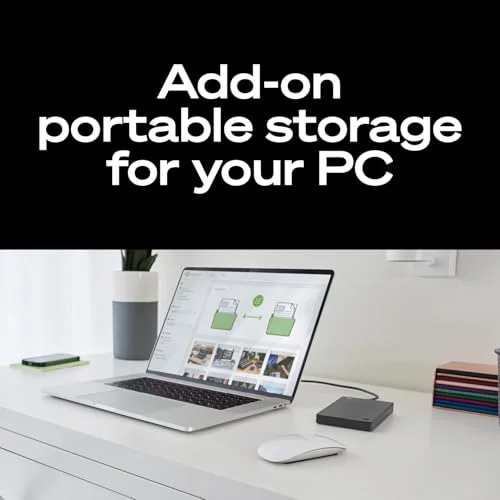
Finally, think about software. The drive is plug and play, but backup is not automatic unless you configure it. On Windows, File History is built in and can back up to an external drive. On Mac, Time Machine does the same. Both are adequate for basic needs. If you want more control, look at third-party tools like Macrium Reflect or Acronis. Whichever you choose, test a restore before you need it. A backup you have never restored from is a backup you cannot trust.
In short, the Seagate 2TB Portable Hard Drive is a straightforward, affordable way to keep a local copy of your important files. It is not a complete backup strategy on its own. Use it as one layer, keep another copy elsewhere, and check the current price on Amazon before you decide.
Pros and cons
- + Simple plug-and-play setup with no software required for basic use
- + 2TB capacity is enough for many household and small-office backup needs
- + Bus-powered and portable, with USB 3.0 speeds adequate for backup
- – Single mechanical drive with no redundancy; one failure loses the backup
- – No hardware encryption or included backup software
- – 18-inch cable may be too short for desktop setups
Verdict: A sensible, low-cost local backup target for under 2TB of data, but it must be part of a broader strategy that includes a second copy or offsite storage.